Spin up the environment
install and launch lakeFS:
After a few moments you should see the lakeFS container ready to use:
│
│ lakeFS running in quickstart mode.
│     Login at http://127.0.0.1:8000/
│
│     Access Key ID    : AKIAIOSFOLQUICKSTART
│     Secret Access Key: wJalrXUtnFEMI/K7MDENG/bPxRfiCYEXAMPLEKEY
│
You're now ready to dive into lakeFS!
-
Open lakeFS's web interface at http://127.0.0.1:8000/
-
Login with the quickstart credentials.
- Access Key ID:
AKIAIOSFOLQUICKSTART - Secret Access Key:
wJalrXUtnFEMI/K7MDENG/bPxRfiCYEXAMPLEKEY
- Access Key ID:
-
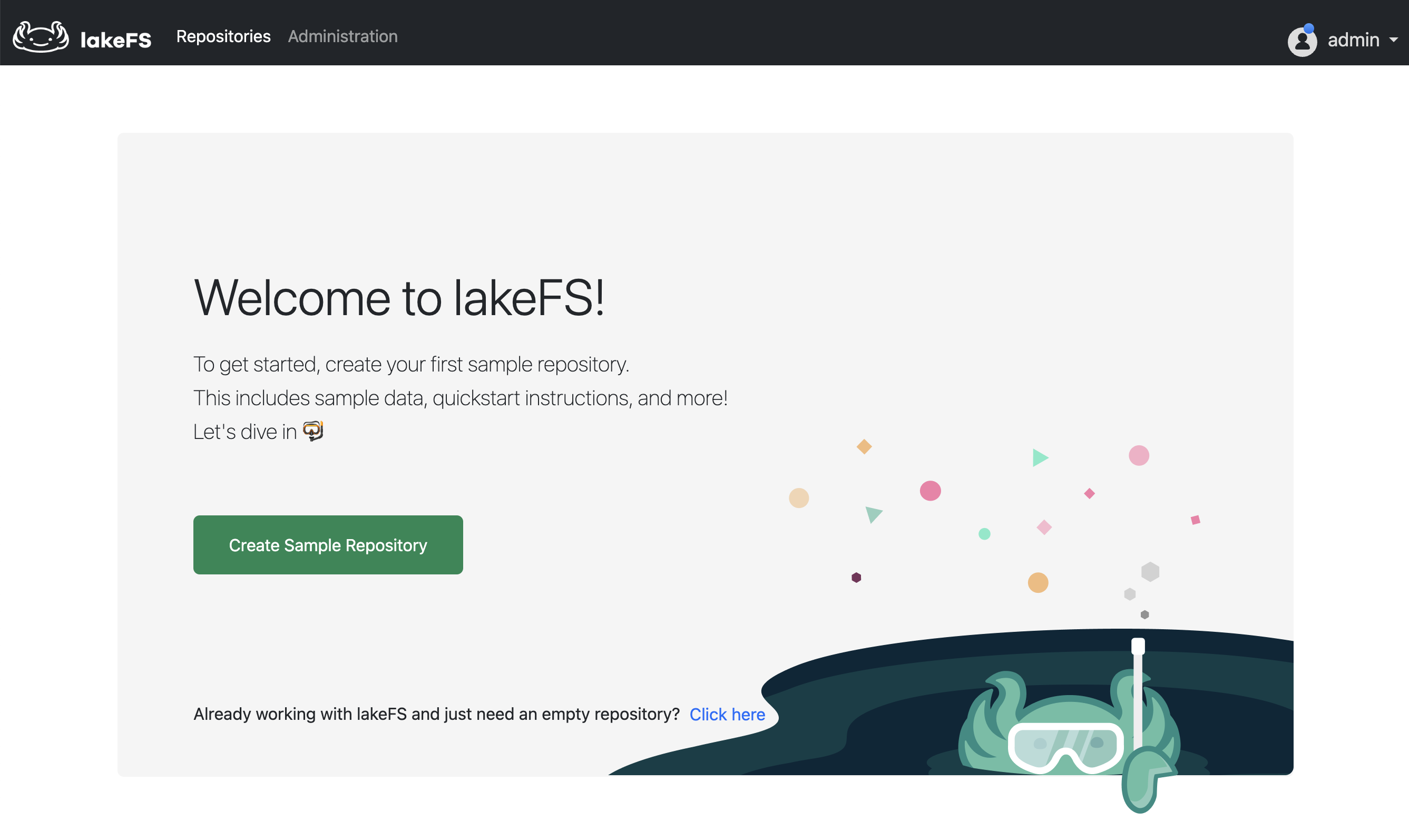
You'll notice that there aren't any repositories created yet. Click the Create Sample Repository button.
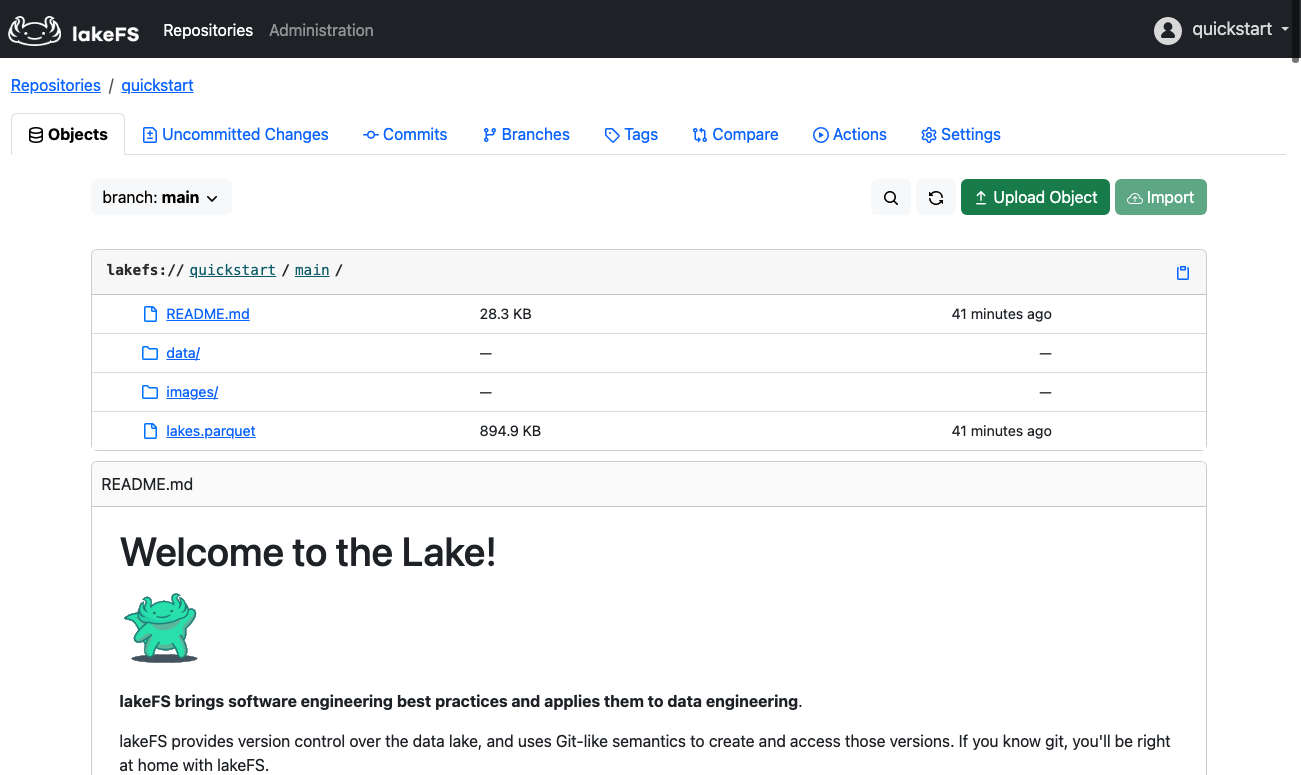
You will see the sample repository created and the quickstart guide within it. You can follow along there, or here - it's the same :)
← Quickstart introduction Query the pre-populated data →