Install lakeFS
How you install lakeFS depends on the edition you want to run and whether you would rather operate it yourself or have it managed for you. For a full comparison of what each edition includes, see lakeFS editions. Use this page to pick the path that fits you.
- Want zero operations? Use the hosted service, lakeFS Cloud, and skip installation entirely. Treeverse runs, scales, and upgrades lakeFS for you.
- Running lakeFS Community yourself? Deploy it on top of your object store using the platform guides below.
- Running lakeFS Enterprise self-managed? Follow the Enterprise installation guide, or migrate an existing Community deployment to Enterprise.
Self-managed deployment
This section guides you through deploying lakeFS on top of an object store. You will need a database, and you can optionally configure authentication using providers specific to your deployment platform. Which options are available depends on your platform, so for example the object store available on Azure differs from the one on AWS.
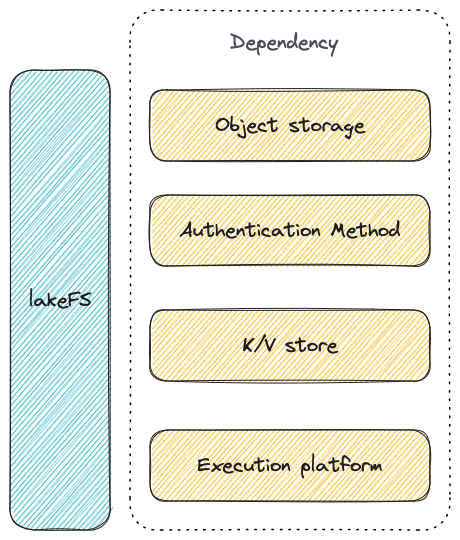
lakeFS runs on top of your object store and metadata database
Deployment and Setup Details
lakeFS releases include binaries for common operating systems, a containerized option, and a Helm chart.
Follow the guide for your platform for full deployment details:
For lakeFS Enterprise, continue to the Enterprise installation guide.